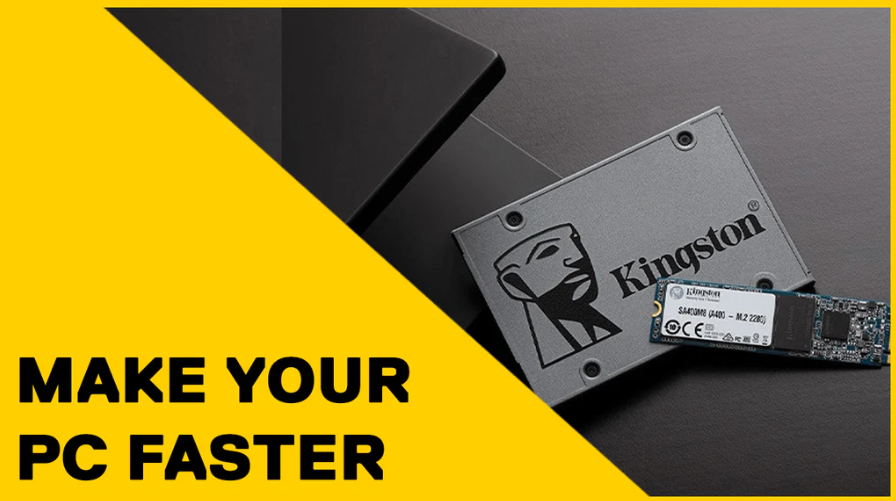
Why Upgrading to an SSD is the Best Upgrade for Your Computer
If your laptop or desktop computer feels slow, freezes regularly or takes several minutes just to start Windows, you may not need a brand-new computer. Upgrading from a traditional hard drive (HDD) to a Solid State Drive (SSD) is one of the most effective upgrades you can make.
Unlike mechanical hard drives, SSDs have no moving parts. This allows them to read and write data much faster, making everyday tasks feel almost instant. Even computers that are several years old can feel like new after an SSD upgrade.
Benefits of an SSD Upgrade
- ⚡ Windows boots in seconds instead of minutes.
- 🚀 Programs such as Microsoft Office, Chrome and Photoshop open much faster.
- 🎮 Games load significantly quicker.
- 🔋 Lower power consumption helps improve laptop battery life.
- 🔇 Silent operation with no spinning disks or clicking noises.
- 💪 More resistant to knocks and drops than traditional hard drives.
- 🛡️ Greater reliability with fewer mechanical failures.
Is Your Computer Still Using a Hard Drive?
Many computers sold before 2020 still use traditional hard drives. If your PC takes more than a minute to start, frequently shows the spinning loading circle or feels sluggish opening applications, there's a good chance it's running from an HDD.
In many cases, upgrading to an SSD provides a much larger performance boost than adding more RAM or even replacing the processor.
Top Tip: We can usually clone your existing hard drive onto a new SSD, meaning your files, programs and Windows installation stay exactly as they are—just dramatically faster.
Professional SSD Upgrades in Barrow-in-Furness
At Simple Tech Solutions Barrow, we supply and install high-quality SSDs for laptops and desktop PCs. We can clone your existing drive, transfer your files safely and have your computer running much faster without the hassle of reinstalling everything from scratch.
Whether your computer is used for work, gaming, studying or simply browsing the internet, an SSD upgrade is one of the best value improvements you can make.
Our Advice: If you've spent hours on the phone to a call centre and still don't have an answer, don't keep going around in circles. Many technical issues can be diagnosed in just a few minutes by someone with hands-on experience. At Simple Tech Solutions Barrow, we provide clear, honest advice without the confusing jargon or scripted responses.
Still struggling with your device?
Don't risk causing board-level component damage trying to force a fix. Let us diagnose the fault safely with professional workbench gear.
Get a Free Diagnostic Quote